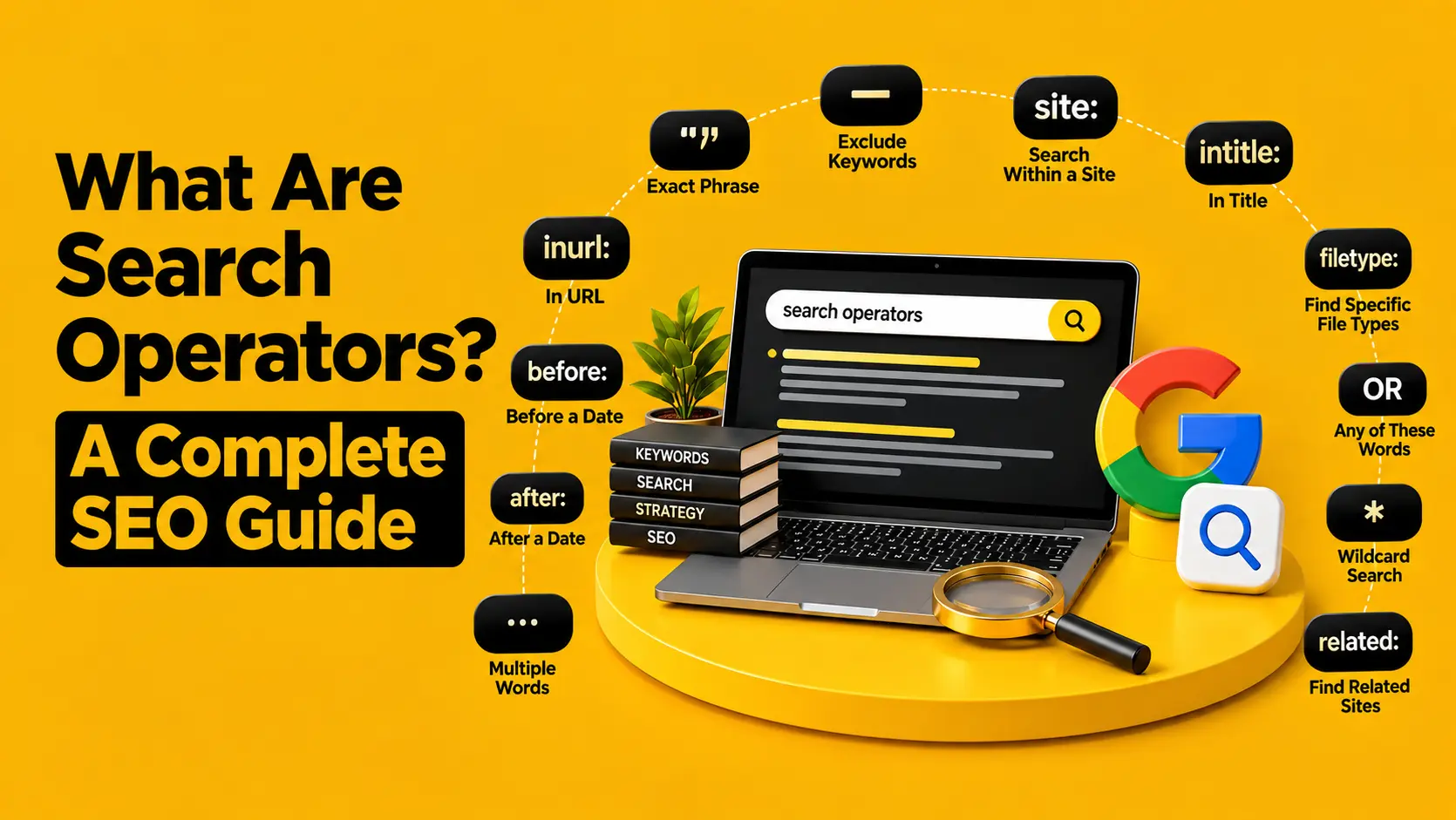
Google is brilliant at finding things. But ask it a broad SEO question, and you can quickly end up buried under thousands of results you don’t actually need.
That’s where search operators come in. These little commands let you tell Google exactly what you’re looking for, whether that’s pages on a competitor’s website, indexed PDFs, guest post opportunities or content around a specific topic.
For SEO teams, they’re a simple way to make Google work a little harder and research a lot faster.
If you’re doing SEO for a UK business, here’s how to use the most useful ones in real-world situations.
Key Takeaways
- Check competitor content with site:, intitle:, and inurl: searches.
- Spot technical SEO issues such as indexed PDFs, test pages, and outdated content.
- Find link-building and PR prospects using targeted phrases and UK-specific searches.
- Combine search operators to make content research faster and search results more precise.
How to Use Search Operators for SEO
- Find competitor content without digging through their entire website
You don’t always need an expensive SEO platform to get a quick look at what a competitor is doing. Sometimes, Google is enough to get you started.
The most useful command here is site:
Try,
site:competitor.co.uk SEO
This tells Google to return results from that particular website.
Want to see whether they’ve already covered a particular topic?
site:competitor.co.uk “technical SEO”
Or perhaps you’re specifically interested in their blog:
site:competitor.co.uk inurl:blog
You can also look for a particular word in their page titles:
site:competitor.co.uk intitle:”SEO”
This is useful when you’re trying to understand a competitor’s content footprint. You can quickly see the subjects they have invested in, the type of pages they’re creating and how heavily they cover a particular topic.
Now run the same search against your own site:
site:yourwebsite.co.uk “technical SEO”
The comparison won’t give you a complete content-gap analysis, but it can reveal something worth investigating.
Maybe your competitor has several pages around a topic you’ve barely covered. Maybe they’ve created dedicated service pages that you don’t have. Or perhaps Google is indexing pages on their site that you weren’t expecting.
It’s a quick first step before you start digging deeper with your usual SEO tools. Google itself recommends site: for narrowing searches to a specific website or domain.
- Use Google as a quick technical SEO check
Search operators aren’t a replacement for a proper crawl. But they’re surprisingly handy when you want to check what Google can see.
Start with the simplest query:
site:yourwebsite.co.uk
This gives you an idea of the pages Google has indexed from your domain.
Now make the search more specific.
Looking for PDFs?
site:yourwebsite.co.uk filetype:pdf
Want to see whether old documents are still indexed?
site:yourwebsite.co.uk filetype:pdf “2026”
You can also search for terms that might indicate unfinished or forgotten pages:
site:yourwebsite.co.uk “lorem ipsum”
or:
site:yourwebsite.co.uk inurl:test
These searches can sometimes surface old test pages, placeholder content or documents that have remained publicly accessible longer than intended.
And that’s where this becomes useful for technical SEO.
Imagine a company redesigned its website two years ago but still has dozens of old PDFs indexed. Or a development page containing placeholder text was accidentally left accessible. A simple Google search can bring those issues to your attention.
The important word here is sometimes.
Google’s index isn’t a live inventory of every URL on your website, so don’t treat the number of site: results as an exact page count. For proper indexation analysis, use Google Search Console and a crawler.
Think of search operators as a quick diagnostic, not the full medical examination.
Google confirms that filetype: can be used to restrict results to particular file formats, including PDFs.
- Turn search operators into a link-building research tool
This is probably one of the most useful applications for SEO professionals.
Instead of searching broadly for websites that accept contributions, you can make Google do some of the filtering for you.
For example:
“write for us” SEO site:.co.uk
Or:
“guest post” marketing site:.co.uk
Looking for websites with contributor pages?
inurl:contribute “digital marketing” site:.co.uk
The inurl: operator looks for a particular word within the URL. Combine it with an exact phrase and a UK domain, and your results become much more focused.
You can also search for PR opportunities.
Try:
“expert comment” SEO site:.co.uk
or:
“looking for experts” marketing site:.co.uk
These types of searches can help uncover publications and websites looking for industry commentary, expert opinions or contributors.
And if you’re getting a lot of irrelevant results, remove them.
For example:
“write for us” SEO site:.co.uk -jobs -careers
The minus sign tells Google to exclude results containing those terms. Google lists – as one of its supported search refinements. But don’t make the mistake of treating every result as a backlink opportunity. A website accepting guest posts isn’t automatically a good website to pitch.
Before reaching out, look at the site’s topical relevance, editorial standards, organic visibility, outbound links and overall quality. If a site publishes hundreds of unrelated articles purely for links, that’s a very different proposition from a genuinely relevant UK publication.
The operator finds the opportunity.
Your SEO judgement decides whether it’s worth pursuing.
- Combine operators when you need a much more specific answer
Knowing individual search commands is useful. Knowing how to combine them is where things get interesting. Let’s say you’re researching SEO reports published by UK organisations.
You could search:
SEO report filetype:pdf site:.co.uk
Now you want relatively recent reports:
SEO report filetype:pdf site:.co.uk after:2026-01-01
Google supports both before: and after: for narrowing searches by date.
Or perhaps you’re researching two related topics:
“technical SEO” OR “technical search”
The OR command tells Google to look for either term.
You can also use quotation marks when you want Google to search for an exact phrase:
“search intent”
This is particularly useful when you’re researching how other websites use a particular term or looking for pages that discuss a very specific concept.
And you don’t have to stop at one operator.
For example:
site:.co.uk (“SEO audit” OR “technical SEO”) after:2026-01-01
Now you’re asking Google to find UK-domain results containing either of two SEO phrases, while also narrowing the results by date.
That’s a much more targeted search than simply typing SEO audit UK and hoping for the best.
A handy search operator cheat sheet
| Operator | What it does | Example |
| site: | Limits results to a website/domain | site:example.co.uk SEO |
| ” “ | Searches for an exact phrase | “technical SEO” |
| intitle: | Looks for a term in the title | intitle:”SEO guide” |
| inurl: | Looks for a term in the URL | inurl:blog SEO |
| intext: | Looks for a term in page text | intext:”search intent” |
| filetype: | Finds a specific file format | filetype:pdf SEO |
| – | Excludes a term | SEO -jobs |
| OR | Searches for either term | SEO OR PPC |
| after: | Finds results after a date | SEO after:2026-01-01 |
| before: | Finds results before a date | SEO before:2026-01-01 |
Google’s own documentation confirms support for several of these operators, including site:, quotation marks, –, filetype:, before: and after:.
Don’t rely on every search operator you find online
There’s a lot of outdated information about Google search commands floating around.
You’ll often find long lists containing dozens of operators, but not every command works reliably today. Some have changed over time, while others are no longer particularly useful.
A good example is link:.
It was once commonly recommended for finding pages linking to a particular website. Today, it’s not a dependable backlink research method.
That’s why it’s better to build your own small operator toolkit around commands that solve problems you actually have.
For most SEO work, you can get a lot of mileage from:
site:
intitle:
inurl:
filetype:
“exact phrase”
–
OR
before: / after:
You don’t need to memorise 50 Google search commands to become better at SEO research.
You just need to know which command solves the problem sitting in front of you.
Search operators vs SEO tools: use both
One common misconception is that search operators can replace tools such as Google Search Console, Screaming Frog or dedicated SEO platforms.
They can’t.
A search like:
site:yourwebsite.co.uk
doesn’t give you a complete picture of your website’s indexation. Similarly, searching for “write for us” SEO doesn’t tell you whether a website has strong backlinks, genuine traffic or a healthy link profile.
What search operators give you is speed. They’re particularly useful when you’re in the early stages of research and need an answer quickly.
You can use them to:
- Investigate competitor content
- Find potential content gaps
- Spot indexed PDFs and unexpected pages
- Discover digital PR opportunities
- Find relevant outreach prospects
- Research a topic before creating content
- Narrow down large sets of Google results
Then use your specialist tools to validate what you’ve found. That’s the sweet spot.
The Bottom Line
Search operators aren’t some secret SEO hack. They’re simply a smarter way to search.
Used properly, they can save you from clicking through page after page of irrelevant results and help you get to useful information much faster.
Start with site: when you’re researching websites. Try intitle: and inurl: when you’re investigating content. Use filetype: for documents, – to clean up irrelevant results, and after: or before: when freshness matters.
Then start combining them.
Once you get comfortable with a handful of these Google search commands, you’ll probably find yourself using them without even thinking about it.
And that’s when Google stops being just a search engine and starts becoming a pretty useful SEO research tool.
FAQs
What are the most useful Google search operators for SEO?
site:, intitle:, inurl:, filetype:, quotation marks, -, OR, before: and after: are among the most useful. They can help with competitor research, content discovery, technical checks and link prospecting.
What are Google search operators?
Google search operators are commands that refine how Google searches for information. For example, site:example.co.uk SEO limits results to a particular domain, while filetype:pdf SEO focuses on PDF documents.